A VNC session can be saved to a video file, and VNC screen recording writes WebM directly in RealVNC Connect on desktop Windows, Linux and Mac. Kasm Workspaces 1.17.0 records sessions and needs a guacenc conversion to produce playable video. The route available depends on whether a viewer, a gateway or a standalone recorder does the capture.
Where the capture happens is the condition that settles whether a recording route exists, because a recorder is itself a VNC client and the saved file holds only the screen updates that client received. A viewer, a gateway and a standalone program each capture from a different client position. The route already installed on your host therefore fixes both what you can record and which setting switches it on.
Where a VNC screen recording gets captured: viewer, gateway or standalone recorder
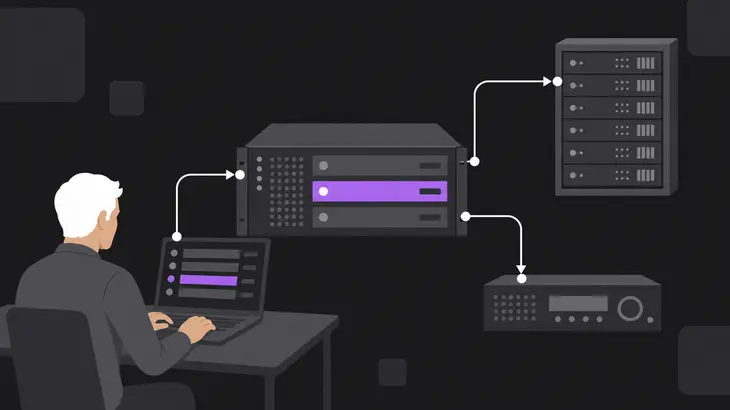
Frames are captured by a program that receives screen updates from the VNC server, so the capture point is a client position on the connection. The VNC server owns the desktop, the viewer asks it for screen updates, and a recorder sees whatever the connection delivers. What lands in the file is built from the updates that reach the recorder.
Recording can live in three places. A viewer can carry a recording feature, a gateway or managed workspace can record the sessions it handles, and a standalone recorder program can connect to a VNC server and write a video file. Whether the capture feature sits in a viewer, a gateway or a standalone program also decides which settings you change to switch it on.
The parts connect in a loop. The client requests an update, the server answers with a framebuffer update, and the recorder writes what came back. Frame timing in the saved file follows that loop on the capturing client, including whatever the connection to that client does to it. In a viewer feature the viewer is that client, in a gateway the gateway is, and a standalone recorder is its own client.
RFB pixel-encoding trade-offs and the TigerVNC -PreferredEncoding option
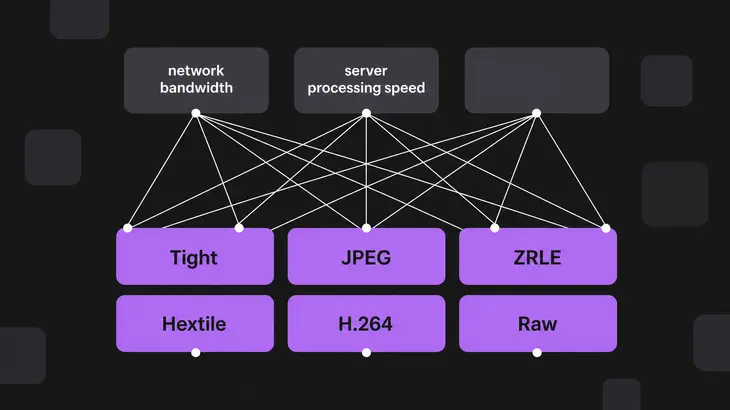
RFB pixel encodings trade off network bandwidth, client drawing speed and server processing speed. The TigerVNC vncviewer exposes that choice through the -PreferredEncoding option, which takes one of six encoding names. Because the three costs pull against each other, work out which one is short on your link before you pick a value. A slow network points at bandwidth, a weak client at drawing speed, and a loaded server at processing speed.
Pass a single encoding per launch:
vncviewer -PreferredEncoding <encoding>The option accepts these six values, and the list is the full set:
- Tight
- JPEG
- ZRLE
- Hextile
- H.264
- Raw
VNC screen recording support by implementation: TightVNC Java Viewer, RealVNC, Kasm and vnc-recorder
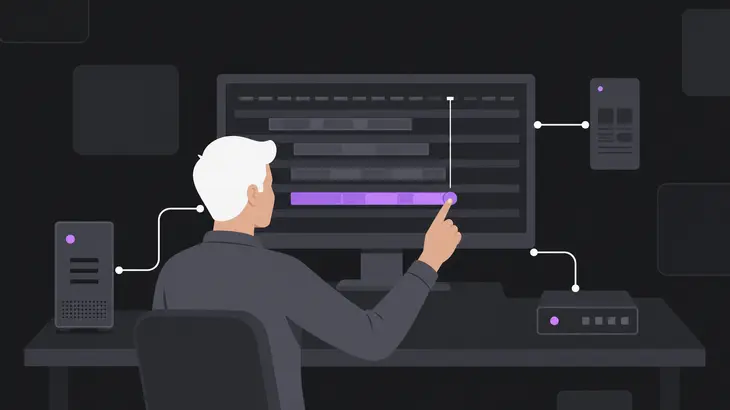
RealVNC Connect session recording creates a WebM video file on desktop Windows, Linux and Mac. The mobile RealVNC Viewer and RealVNC Server do not support it. vnc-recorder, a Go-based recorder, captures VNC screens and saves them as MP4 files through FFmpeg. Kasm Workspaces 1.17.0 records sessions and needs a conversion step to produce playable video, and the TightVNC Java Viewer saves its recordings in files for later playback.
| Implementation | Session recording | Video file output |
|---|---|---|
| RealVNC (desktop Windows, Linux, Mac) | supported (RealVNC Help Center) | supported, WebM (RealVNC Help Center) |
| Kasm Workspaces 1.17.0 | supported (Kasm 1.17.0 documentation: Session Recording) | partial (Kasm 1.17.0 documentation, Session Recording) |
| TightVNC Java Viewer | partial (TightVNC Java Viewer README: recording to files) | |
| vnc-recorder | supported (vnc-recorder repository: FFmpeg MP4 capture) | supported, MP4 (vnc-recorder repository) |
Switching recording on: Kasm record_sessions group setting and the vnc-recorder FFmpeg option
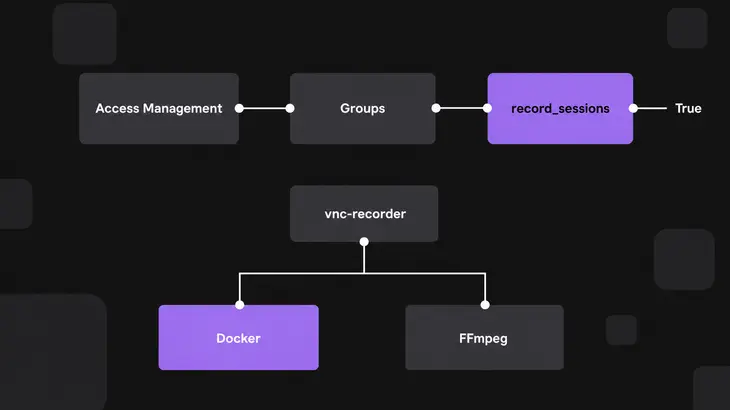
Kasm Workspaces 1.17.0 supports session recording for VNC server-based workspaces, and an administrator turns it on per group by setting record_sessions to True. vnc-recorder starts recording when you run it, either through Docker or directly from the command line with its FFmpeg option pointed at an installed FFmpeg. It is designed as an FFmpeg wrapper and relies on a VNC-to-video library to process the remote screen output.
- Kasm controls recording in group settings, so open Access Management->Groups, select the group, and set
record_sessionstoTrue. - Run vnc-recorder through Docker when you want to skip manual FFmpeg configuration, which Docker may avoid.
- When you run vnc-recorder directly from the command line, customize the FFmpeg option to point to your existing FFmpeg installation, since the recorder wraps FFmpeg.
Recording storage on a gateway: Guacamole history paths using ${HISTORY_UUID}
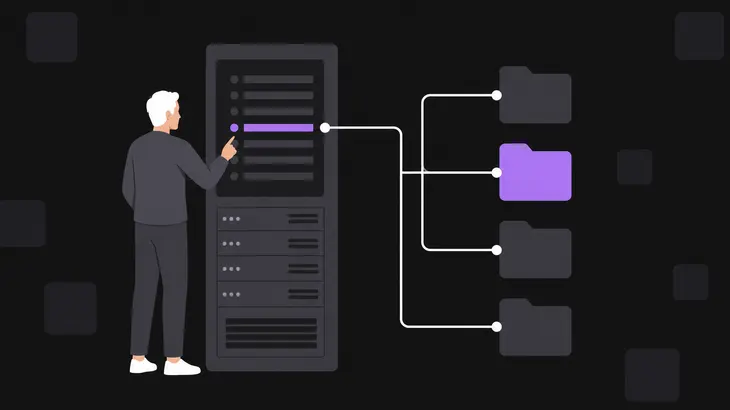
Apache Guacamole 1.6.0 ties a recording to its connection-history entry through the directory name. Store each recording under a directory named with ${HISTORY_UUID}, so the recording-storage extension can associate the recording with that entry. The template is a gateway recording-path setting, so you configure it in Guacamole.
Set the recording path to this template:
${HISTORY_PATH}/${HISTORY_UUID}Enable the "automatically create path" checkbox beside the recording path. With the path set to that template and the box checked, the extension finds the recording when you view it in the browser.
What changes the answer: ZRLE-corrupted TightVNC recordings, guacenc conversion and Kasm audio
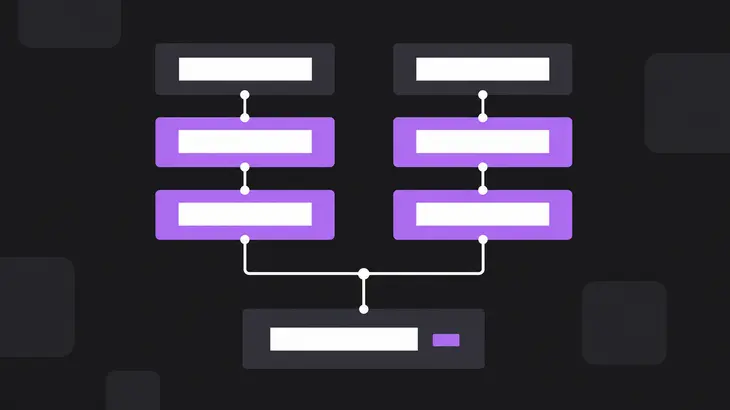
The TightVNC Java Viewer records VNC (RFB) sessions in files for later playback, and its session recording turns partial under the conditions in the table. Kasm Workspaces 1.17.0 turns partial on video file output because recorded segments are converted with guacenc before they play.
| Partial cell | Condition that changes the answer | Source |
|---|---|---|
| TightVNC Java Viewer, session recording | Recording needs local-filesystem access, and a Record button appears when it is available. Sessions are recorded in 24-bit color. Updates recorded in ZRLE can yield a corrupted session file. | TightVNC Java Viewer README |
| Kasm Workspaces, video file output | Recorded segments are converted to playable video with guacenc. | Kasm 1.17.0 documentation, Session Recording |
Kasm records RDP, VNC and SSH sessions in a rolling fashion, breaking the data into 150MB segments. A VNC screen recording that grows past one segment gives you several files, and each segment is converted with guacenc to playable video. The recordings include neither session audio nor microphone audio, so a replay is silent, which matters if you meant it for training.
Confirm recording on your own versions: vncviewer log capture and per-implementation checks
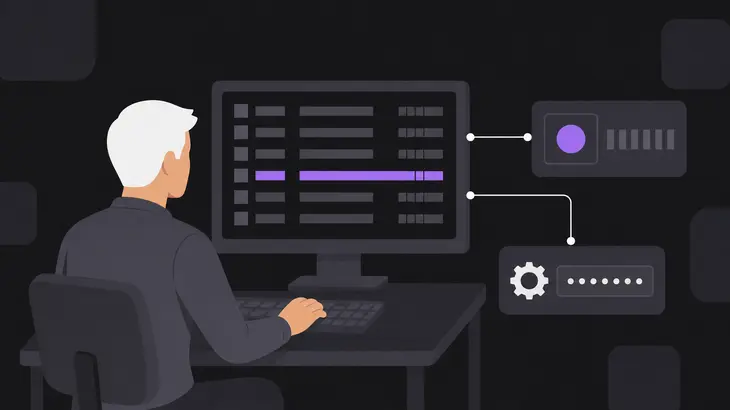
Each route has its own check: the TigerVNC viewer log shows connection behavior, the Record button shows whether the TightVNC Java Viewer can record, and the record_sessions value shows whether a Kasm group records. Run the one that matches the viewer or gateway you already have.
-
Run the TigerVNC viewer with the logging command when frames stall, then open tigervnc-viewer.log; the file holds the verbose viewer diagnostics, a record of connection behavior to read.
vncviewer -Log *:stderr:100 > tigervnc-viewer.log -
Open the TightVNC Java Viewer and look for the Record button in the viewer window. If the button is there, the viewer has the local-filesystem access that recording needs, and if it is missing, recording is unavailable in that viewer.
-
For a Kasm workspace, open Access Management->Groups, open the group, and read the value of
record_sessions. A value ofTruemeans recording is on for that group.
Take the recording route from the viewer, gateway or recorder you already run, and treat each partial cell in the matrix as a condition to meet before you rely on the saved file. A supported cell is a route you can use as it stands.
Your next step is on the host: for a Kasm group, read the record_sessions value. If it reads True, recording is already on for that group, so you can move on to collecting files. That one value tells you whether VNC screen recording is available for the workspaces in that group. Kasm Workspaces records VNC sessions in segments and gives playable video once guacenc has converted them.
FAQs
How should VNC screen recording files be stored securely?
Store them in a directory that guacd can write to and the servlet container can read. Apache Guacamole 1.6.0's recording-storage extension searches /var/lib/guacamole/recordings by default, so that is the directory to give those two permissions.
Discuss this in the community
Questions about this, or a setup it does not cover? Ask in Developer and Integration Topics.
Developer and Integration Topics group